Keeping a WordPress site alive
Your Web Developer Disappeared: Getting Your Site, Domain and Email Back
The developer stopped answering. What to collect, in what order, to get the domain, the hosting, the WordPress login and the Business Profile back in your name.
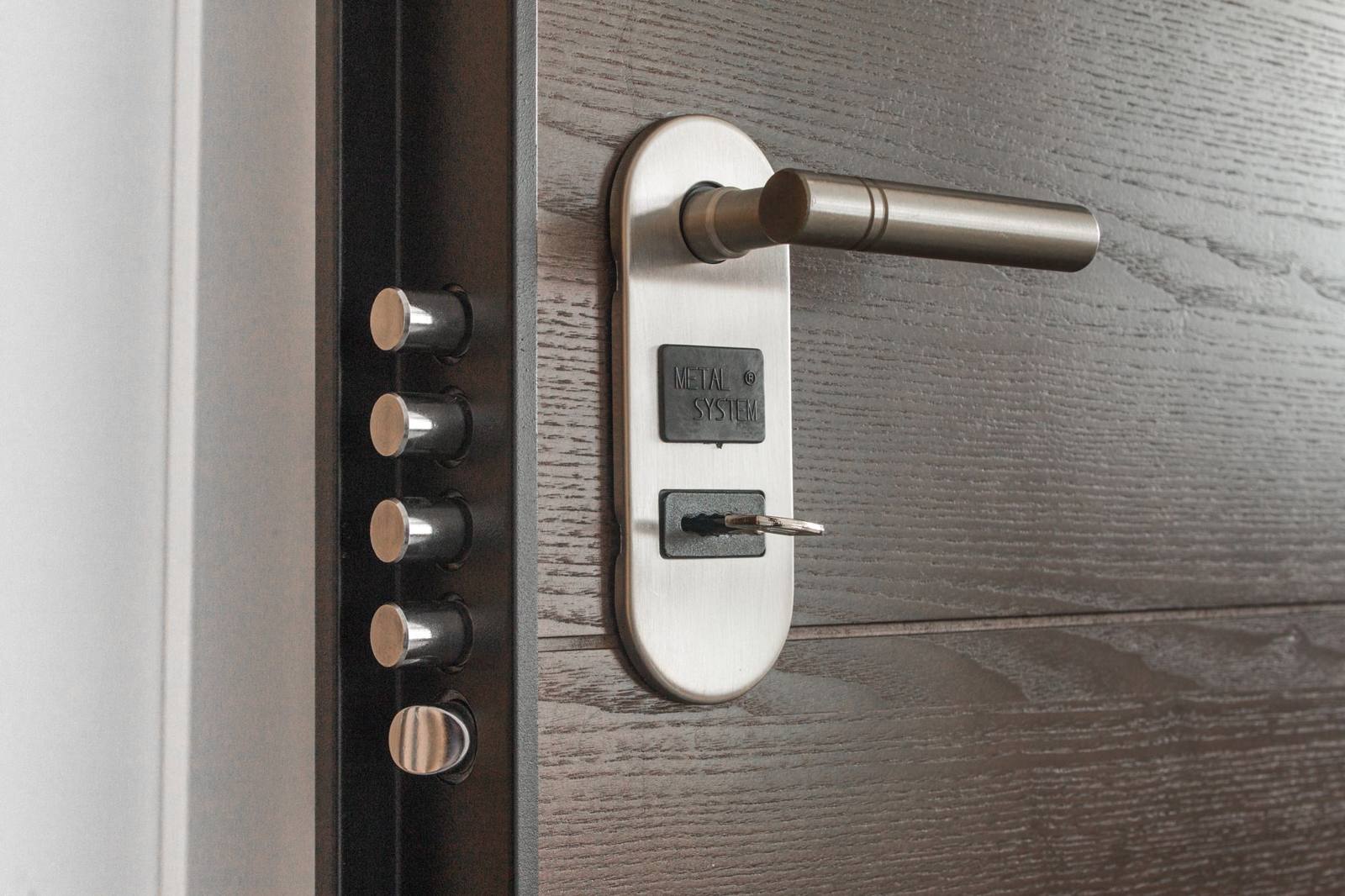
Photo by Pixabay on Pexels
In short
When a web developer stops answering, the site keeps running until something expires or breaks, and the business owner finds out then that nothing was in their name. Getting it back is four separate recoveries: the domain, the hosting, the WordPress login, and the Business Profile. Each has its own route and its own rules, and the order matters, because the domain decides everything else.
- The four things to hold are the domain registrar login, the hosting control panel, the file transfer credentials and the WordPress administrator login; a site whose owner has none of them is controlled by whoever does1.
- A domain registrar must give the registrant the transfer authorization code within five calendar days, and may not refuse a transfer because the registrant did not respond to a message or has not paid for a future period2.
- If the email reset does not work, a WordPress administrator password can be reset through the hosting database, a line in the theme’s functions file, or the command line, with the hosting account alone3.
- A Business Profile that someone else manages can be requested at business.google.com; the current owner has three days to respond before the requester may be able to claim it4.
- Rebuilding from scratch is the last resort, and it is cheaper than a month of guessing on a broken site1.
We take over sites in this state several times a year, and the first hour is always the same: nobody knows where the domain is registered, the hosting invoices went to the developer, and the only WordPress login anyone remembers is the developer’s. The good news is that each of the four pieces can be recovered without the developer’s cooperation, as long as the business can prove it is the business. This article is the order we do it in.
First, find out what you actually own
Before any recovery, write down four things, because the rest depends on which ones you have1:
- The domain registrar login. The company where the domain name itself is registered. This is the one that matters most: whoever controls the domain controls where the site and the email go.
- The hosting control panel. The account where the site’s files and database live, usually a cPanel or a hosting company’s own dashboard.
- The file transfer credentials. The SFTP or FTP login that reaches the site’s files directly, without WordPress.
- The WordPress administrator login. The user that can change the site.
A site whose owner has none of these is, in practice, controlled by the person who does1. Check your own records first: old emails with “welcome” or “invoice” in the subject, the card statements that show a registrar or a hosting company, the paperwork from when the site was built. A domain registered in your name with your email address is a short recovery; a domain registered in the developer’s name is a longer one.
The domain: the piece that decides the rest
Look the domain up in a public registration lookup. It shows the registrar, the creation and expiry dates, and the nameservers, even when the contact details are hidden. Three situations follow.
The domain is in your name at a registrar you can reach. Use the registrar’s password recovery with the email address on the record. If that address was the developer’s, the registrar’s support can change it once you prove the business is the registrant: the business licence, the fictitious business name statement, an invoice that shows you paid for the domain. Registrars see this every week.
The domain is in the developer’s name. Ask, in writing, for the domain to be transferred to a registrar account of your own. Under the policy every accredited registrar follows, the registrant is entitled to the authorization code that permits a transfer, and the registrar must provide it, and remove a transfer lock, within five calendar days of the request2. A registrar may not deny a transfer because the registrant did not respond to a message, or because future periods have not been paid for2. The catch is that these rights belong to the registrant on the record. If the developer is the registrant, the request has to come from them, or you need the registrar’s dispute route with your evidence of ownership. If the developer has gone quiet rather than hostile, a short, polite email that names the policy and the five days usually works.
The domain expired. Act the same day. Registrars keep an expired name for a period before it is released, and the renewal within that period is the cheapest outcome by far.
Two rules to know for later. A change of registrant starts a sixty-day lock during which the domain cannot be transferred to another registrar unless the registrant opted out beforehand2, so plan the move before you change the name on the record. And once a transfer request reaches the losing registrar, silence counts as approval after five calendar days2.
The hosting: files, database, backups
With the domain in hand you can point it anywhere, which is what makes the hosting recovery a negotiation rather than a siege. Still, the files and the database are where the site is, and a copy saves a rebuild.
If the hosting account is yours, reset its password through the hosting company with the account’s email, and change the email if it was the developer’s. If the account is the developer’s, ask them in writing for a full backup of the files and the database, and for the SFTP credentials1. A developer who will not transfer a domain will often still hand over a backup, because it costs them nothing.
If neither works, the public copy of the site is still a source: every page can be saved from the browser, and a rebuild from the saved pages is a known job rather than a mystery. We have rebuilt sites that way in a week.
The WordPress login: four ways in without the developer
If you have the hosting account, you do not need the developer’s WordPress password. The WordPress documentation lists several ways to reset an administrator password when the usual email reset does not work, and all of them need only the hosting account3:
- Through the database. In the hosting control panel’s database tool, open the users table, find the administrator, and set a new password with the MD5 function. The documentation’s own caution applies: an error in the database can break the site, so take a backup first3.
- Through the theme’s functions file. Add one line,
wp_set_password( 'your-new-password', 1 );, at the top of the active theme’s functions file, load any page, and then remove the line, because it resets the password on every page load until you do3. - Through the command line, where the host provides it:
wp user update 1 --user_pass=...3. - Through the emergency reset script, placed in the site’s root folder and deleted as soon as it has been used3.
Once in, make a new administrator user in your own name, change every other administrator’s password or remove the account, and change the email addresses in Settings to yours. Then look at Users, Plugins and Settings for anything that still points at the developer.
What not to do: start changing things on a site you do not understand. The one agency guide on this subject that is worth reading says the same thing we tell clients, that one wrong move in the database can leave a site unrecoverable, and that the order is registrar, hosting, files, WordPress, and only then changes1.
The Business Profile and the rest
The Google Business Profile is often managed by the developer or the previous agency. Google’s route is to go to the add-a-business page, find the business, and when it says someone else may manage the profile, choose Request Access and fill in the form; the current owner is notified and has three days to respond, after which the requester may be able to verify and claim the profile themselves4.
Do the same inventory for the rest: the email service if it runs on the domain, the analytics account, the ads account, the certificate, the payment processor, the social accounts. Each is a login that should be in the business’s name with the business’s email, with a second person able to recover it.
Prevent the next one
The cost of this recovery is a few days of attention. The cost of preventing it is a page in a drawer: the four logins, the registrar, the hosting company, the renewal dates, the backup location, and the name of whoever can reach them, kept by the owner and not by the developer1. Our management plans include that page, updated every month, because enough of our clients came to us from the opposite experience.
When to get help
If the domain is in someone else’s name and they will not respond, a registrar dispute needs documents and patience, and a lawyer’s letter can shorten it. If the site is broken and no backup exists, the decision is between a recovery from the saved pages and a rebuild, and it should be made in a day, not a month. We do both, and the consultation is free.
Frequently Asked Questions
What should I ask the developer for, in one email?
The registrar login or a transfer of the domain, the hosting login or a full backup of files and database, the SFTP credentials, and an administrator login to WordPress. Those are the four things a site cannot be controlled without1. Ask in writing and date it.
Can the developer keep my domain if I owe them money?
A registrar may not deny a transfer because of nonpayment for a future registration period, but it may deny one for nonpayment of a previous period, and only after placing the domain on hold2. A dispute over money between you and the developer is a separate matter from the registrar’s obligations to the registrant on the record.
How long does a domain transfer take?
I can reach the hosting account but not WordPress. Which reset should I use?
The database method through the hosting panel’s database tool, with a backup taken first; or one line in the theme’s functions file, removed as soon as you are in3. Both are in the WordPress documentation and need nothing from the developer.
The Google listing for my business is run by the old agency. How do I get it?
Request access through Google’s add-a-business page; the current owner has three days to respond, after which you may be able to claim it directly4.
Sources
- How to Take Over a WordPress Site When Your Developer Disappears — Harmonic Design, August 4, 2026. Accessed 2026-10-20.
- Transfer Policy — ICANN, in force since June 1, 2016; sections 3.5, 3.7, 3.8, 3.9, 5.2 and II.C.2. Accessed 2026-10-20.
- Reset your password — WordPress.org documentation, last updated March 27, 2026. Accessed 2026-10-20.
- Request ownership of a Business Profile — Google Business Profile Help. Accessed 2026-10-20.